Connect Ledger Nano to MetaMask for safe dApp swaps
The architectural tension at the heart of decentralized finance has persisted since the earliest Ethereum applications went live.
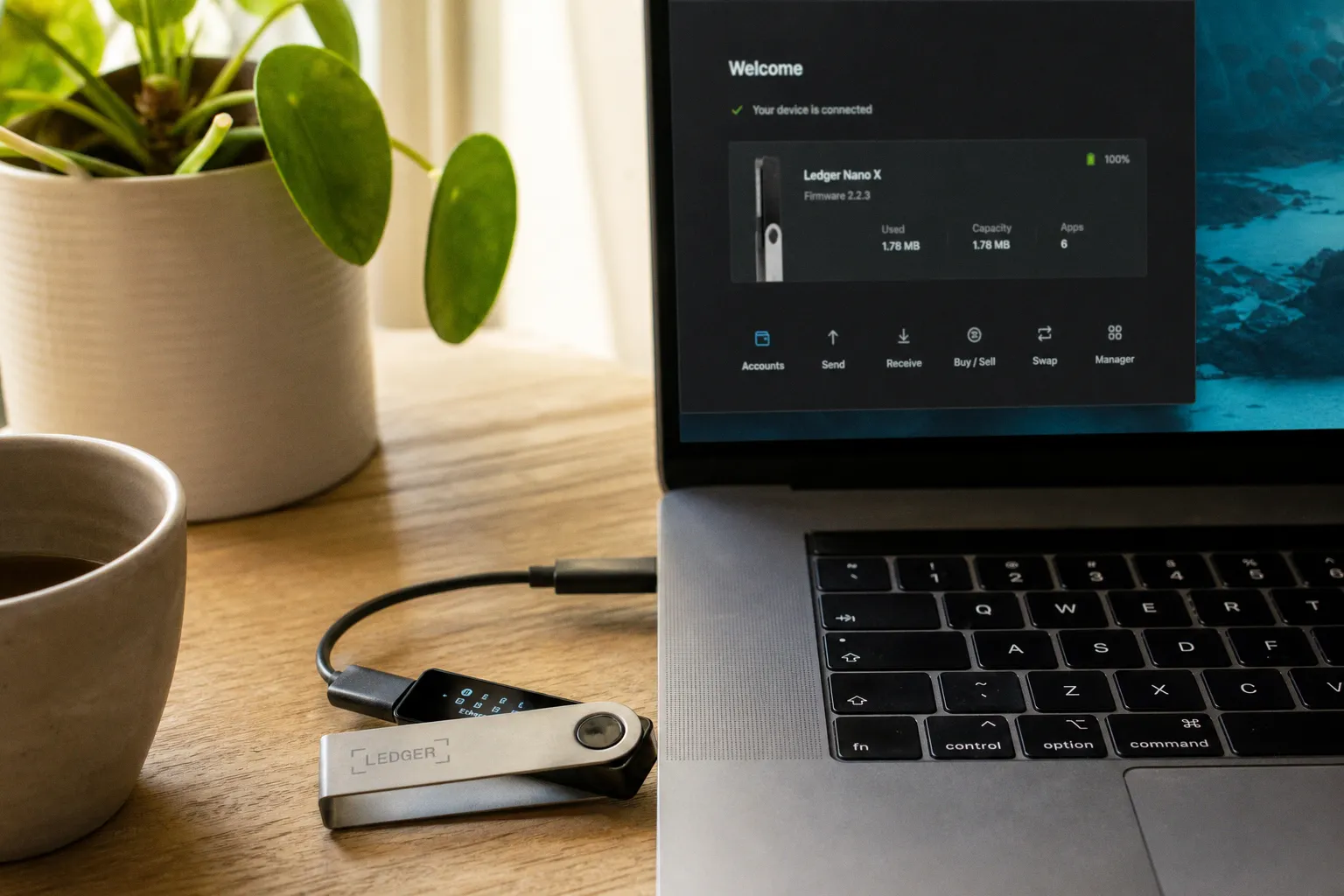
Connect Ledger Nano to MetaMask for Safe dApp Swaps
Hardware-backed signing does not make a smart contract safe or audited; it only ensures that the signature originates from a key that never touches the connected computer.
This guide walks through the technical sequence required to connect a Ledger Nano to MetaMask for safe dApp interactions, configure the Ethereum application for contract-level operations, and understand the precise security boundaries that this configuration does and does not enforce in practice.
The Mechanics of Hardware-Backed Signing: Why Keys Never Leave Your Ledger
To understand the value of this integration, let us examine the cryptographic architecture it relies upon. When a user initiates a transaction in MetaMask, the wallet constructs the transaction payload — the recipient address, the value, the data field, the gas parameters — but it still requires a private key to produce a valid ECDSA signature. In a standard hot wallet configuration, that key is stored within the browser's encrypted local storage, and the signing operation executes on the same machine that is browsing the internet. Consequently, any compromise of that machine — through a malicious browser extension, a clipboard hijacker, or a remote access trojan — can lead to direct key extraction.
The Ledger Nano family — comprising the Nano S, Nano S Plus, and Nano X — houses private keys within a secure element chip that has been certified to industry standards. When you connect a Ledger Nano to MetaMask for safe dApp interactions, MetaMask does not receive a copy of the key. Instead, the Ledger device exposes itself to the host computer through a USB HID (Human Interface Device) bridge managed by Ledger Live. MetaMask transmits the unsigned transaction hash to the Ledger, the user verifies the destination address and value on the device's small screen, and the Ledger returns only the cryptographic signature. The private key itself never traverses the USB cable in any form that an observer could reconstruct.
This configuration effectively shifts the trust boundary. The user no longer needs to trust the integrity of the desktop operating system, the browser engine, or the installed extensions with their private keys. They only need to trust the Ledger device's secure element and, critically, their own ability to read and verify what they are signing. This distinction is the cornerstone of the entire architecture.
Pre-Flight Requirements: Software Versions and Browser Compatibility
Before we walk through the physical connection steps, certain environmental prerequisites must be satisfied. The integration is, at the time of writing, a desktop-only capability. It does not function on the MetaMask mobile application under any current configuration.
For a desktop deployment, the following components must be in place and active:
- Ledger Live: The companion management software must be installed and actively running on the host computer. The latest stable release is strongly recommended, as older versions may lack the device communication libraries required by current Ethereum application builds.
- Browser support: MetaMask supports the Ledger connection via USB HID across Chrome, Brave, Edge, and Opera (all Chromium-based), as well as Firefox. Whichever browser is used must have the MetaMask extension installed and initialized with at least one existing account.
- Device compatibility: The Ledger Nano S, Nano S Plus, and Nano X are all supported. Users operating a Nano S should note that its limited memory may constrain the number of Ethereum-derived accounts that can be simultaneously managed on the device.
- Firmware and Ethereum app: The Ledger must be running current firmware, and the Ethereum application must be installed through Ledger Live's Manager interface. Furthermore, the Ethereum app version should be updated to the latest release to ensure compatibility with EIP-1559 transaction formats and current gas estimation logic.
Essentially, if Ledger Live is not actively running on the host, MetaMask will not detect the hardware wallet, even if the physical device is unlocked and plugged in. Ledger Live functions as the intermediary service that translates between the low-level USB HID layer and the browser extension's expected interface.
| Component | Required State |
|---|---|
| Ledger Live | Installed and running in background |
| Browser | Chrome, Firefox, Brave, Edge, or Opera with MetaMask extension |
| Ledger device | Unlocked, Ethereum app open and at "Application is ready" screen |
| Ethereum app | Updated to latest version, Blind Signing configured if dApps will be used |
| Mobile MetaMask | Not supported for this configuration |
Configuring the Ethereum App for Smart Contract Interactions
A critical configuration step that catches many users off guard involves the Ethereum application's internal settings. By default, the Ledger's Ethereum application refuses to sign data payloads that it cannot fully parse and display in a human-readable form. This is a deliberate security feature: it prevents the device from blindly signing arbitrary data that could represent a malicious smart contract interaction.
However, the vast majority of decentralized applications — Uniswap, Aave, OpenSea, Lido, and most DeFi protocols — do not transmit simple ETH transfers to MetaMask. They transmit encoded contract method calls, which appear as long hexadecimal strings unless the receiving wallet has the relevant contract ABI (Application Binary Interface) loaded into its local cache. When MetaMask receives such a payload, it normally decodes it using known ABIs and presents a readable summary. The Ledger, however, only receives the raw hash and would refuse to sign it under default security settings.
To resolve this constraint, the user must enable a feature called Blind Signing (sometimes labeled "Contract Data" or "Blind sign" depending on firmware lineage) within the Ethereum application's settings menu on the Ledger device itself. This setting instructs the device to permit signing of data it cannot interpret, after a manual confirmation on the hardware buttons.
Enabling Blind Signing transfers the burden of transaction verification entirely onto the user; the device will no longer refuse to sign unparseable payloads.
This is an essential trade-off that the user must consciously accept. Without Blind Signing enabled, the Ledger will reject most dApp interactions outright, effectively limiting the user to plain ETH and ERC-20 transfers. With it enabled, the user must read the transaction details on the MetaMask interface carefully, and for high-value operations, verify the recipient address, function selector, and value against the project's official documentation. The Ledger's small screen will display only the destination contract address and a warning that the data payload is blind; it cannot show what the underlying function call actually does. The hardware confirms the signature, but it cannot validate the semantics.
Establishing the USB Bridge: Connecting Your Device to the MetaMask Interface
With the prerequisites in place and Blind Signing configured, the connection sequence proceeds in a defined order. First, unlock the Ledger device with the PIN, navigate into the Ethereum application, and leave the device on the "Application is ready" screen. Ensure Ledger Live is running on the host. Then, within the MetaMask extension, open the account selector at the top of the interface and choose "Add account or hardware wallet." From the subsequent menu, select "Ledger."
MetaMask will attempt to communicate with the Ledger through the Ledger Live bridge service. If multiple Ethereum-derived addresses exist on the device, MetaMask will enumerate them and allow the user to import one or more as visible accounts. These imported accounts are not new wallets; they are read-only representations of the public addresses whose corresponding private keys remain sealed on the Ledger. Every transaction initiated from these accounts within MetaMask will trigger a prompt on the Ledger device, requiring physical button presses to confirm.
If the connection fails, the most common causes are Ledger Live not running, the Ethereum application not being open on the device, an outdated browser extension, or USB permission prompts being dismissed on the host operating system. Furthermore, some users report varying connection latency depending on the host operating system and USB controller, although no specific timing benchmarks are publicly maintained by Ledger or MetaMask at present.
Operational Boundaries: Understanding the Limits of Hardware Security in DeFi
Let us be precise about what this configuration protects against, and what it emphatically does not. The bridge architecture secures the private key from host-side exfiltration. It does not secure the user's judgment or their interaction with hostile smart contracts. If a phishing site presents a malicious approval — for instance, an unlimited ERC-20 allowance granted to an attacker-controlled address — and the user physically confirms that transaction on the Ledger screen, the device will sign it without complaint, provided Blind Signing is enabled. The Ledger verifies the integrity of the cryptographic signature; it does not evaluate the intent of the underlying transaction.
Furthermore, this setup does not make the dApp itself safe, audited, or trustworthy. A user connecting a Ledger Nano to MetaMask for safe dApp interactions can still deposit funds into unaudited protocols, interact with honeypot contracts, or approve transactions on malicious interfaces. The hardware wallet provides cryptographic certainty, not project-level due diligence. That responsibility remains with the user.
The integration also does not extend to the mobile environment. Users who wish to perform dApp interactions on mobile devices currently must rely on WalletConnect-based bridges to alternative mobile wallets, or use the Ledger's Bluetooth connectivity with wallets that explicitly support it. The MetaMask mobile application does not currently offer direct hardware wallet pairing via USB or Bluetooth in the same manner as the desktop extension, and users should not assume otherwise.
For users exploring adjacent workflows in the broader crypto tooling and digital asset media landscape, additional educational material is curated by specialized platforms such as Chimney Media, which covers related technical subjects across the decentralized ecosystem.
Final Position
The integration of a Ledger Nano with MetaMask represents one of the most robust security architectures available to retail DeFi participants, but it is not a substitute for procedural discipline. The connection protocol keeps private keys isolated within a secure element and requires physical confirmation for every transaction, which constitutes a meaningful improvement over browser-only key storage. However, the configuration requires users to enable Blind Signing, which shifts the verification burden to manual review of every transaction detail before pressing the device buttons.
For sustainable long-term operation, we recommend the following practices. Maintain Ledger Live and the Ethereum application firmware at their latest versions at all times. Review every transaction on the MetaMask interface before confirming it on the device screen, paying particular attention to recipient addresses, function names, and approval amounts. Revoke stale token allowances periodically through on-chain approval management tools, since an old unlimited approval remains valid indefinitely until explicitly revoked. Finally, recognize that hardware-backed signing is a cryptographic primitive — a foundational building block — not a complete security solution in itself. The strongest posture combines the secure element, disciplined verification habits, and ongoing education about the specific protocols being interacted with.